
Disabling macOS Indicator Dots
Has this every happened to you?
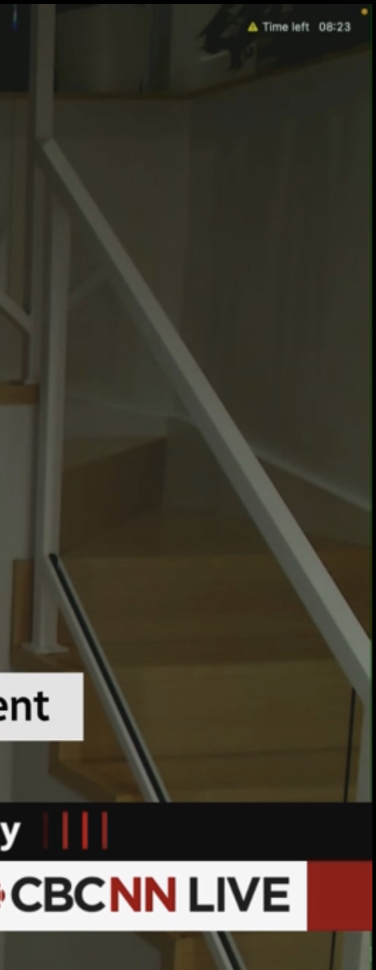
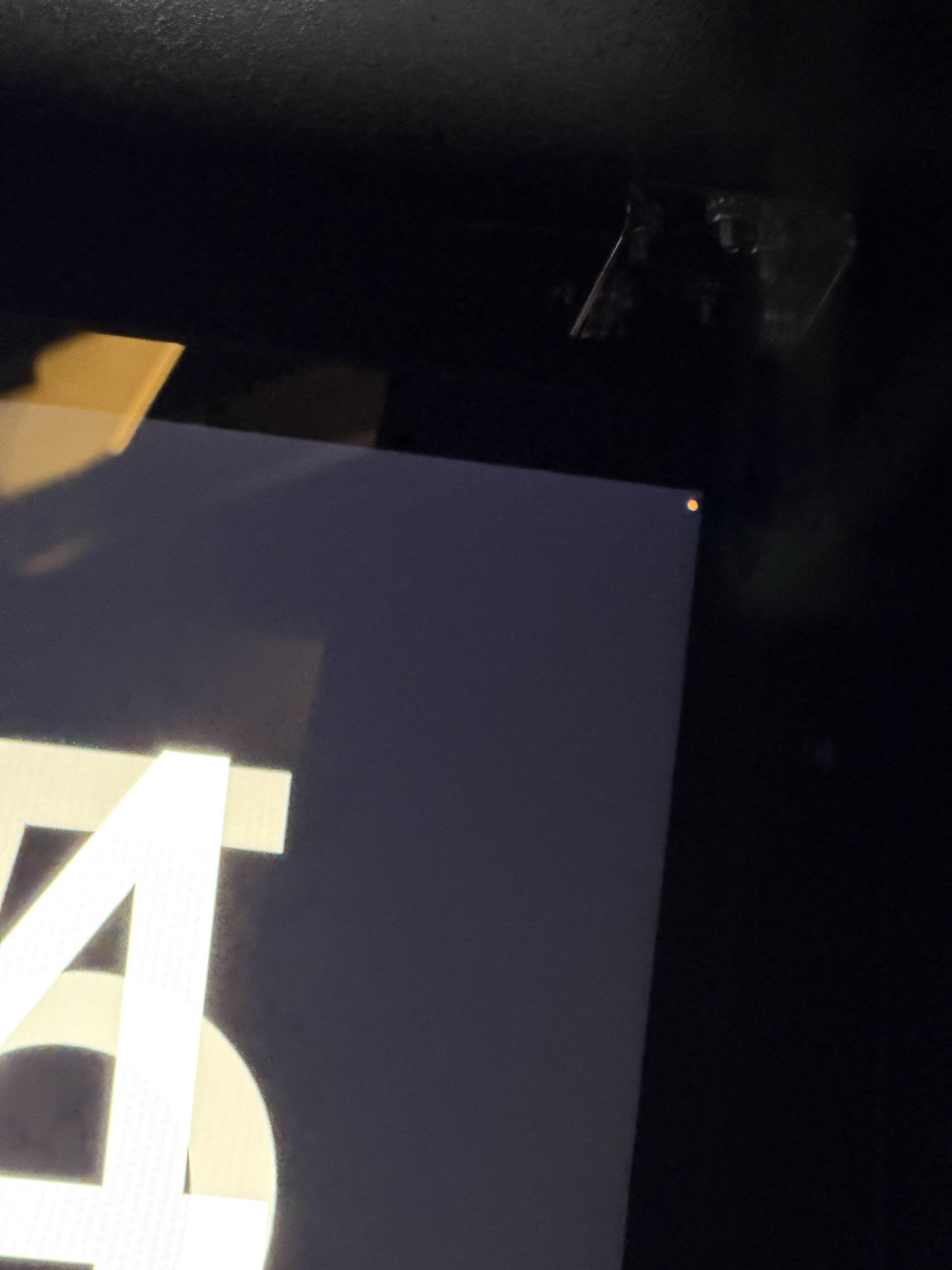
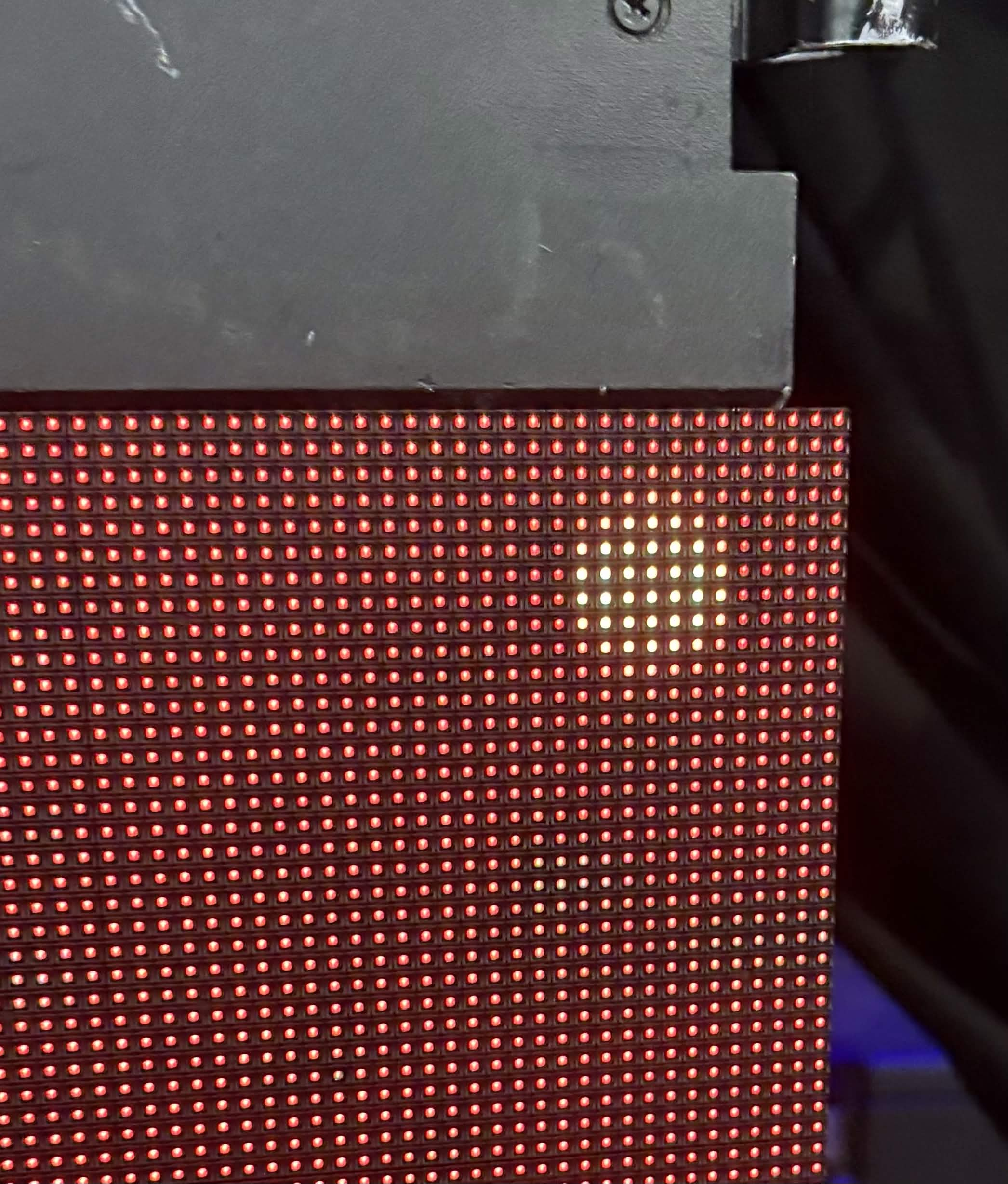
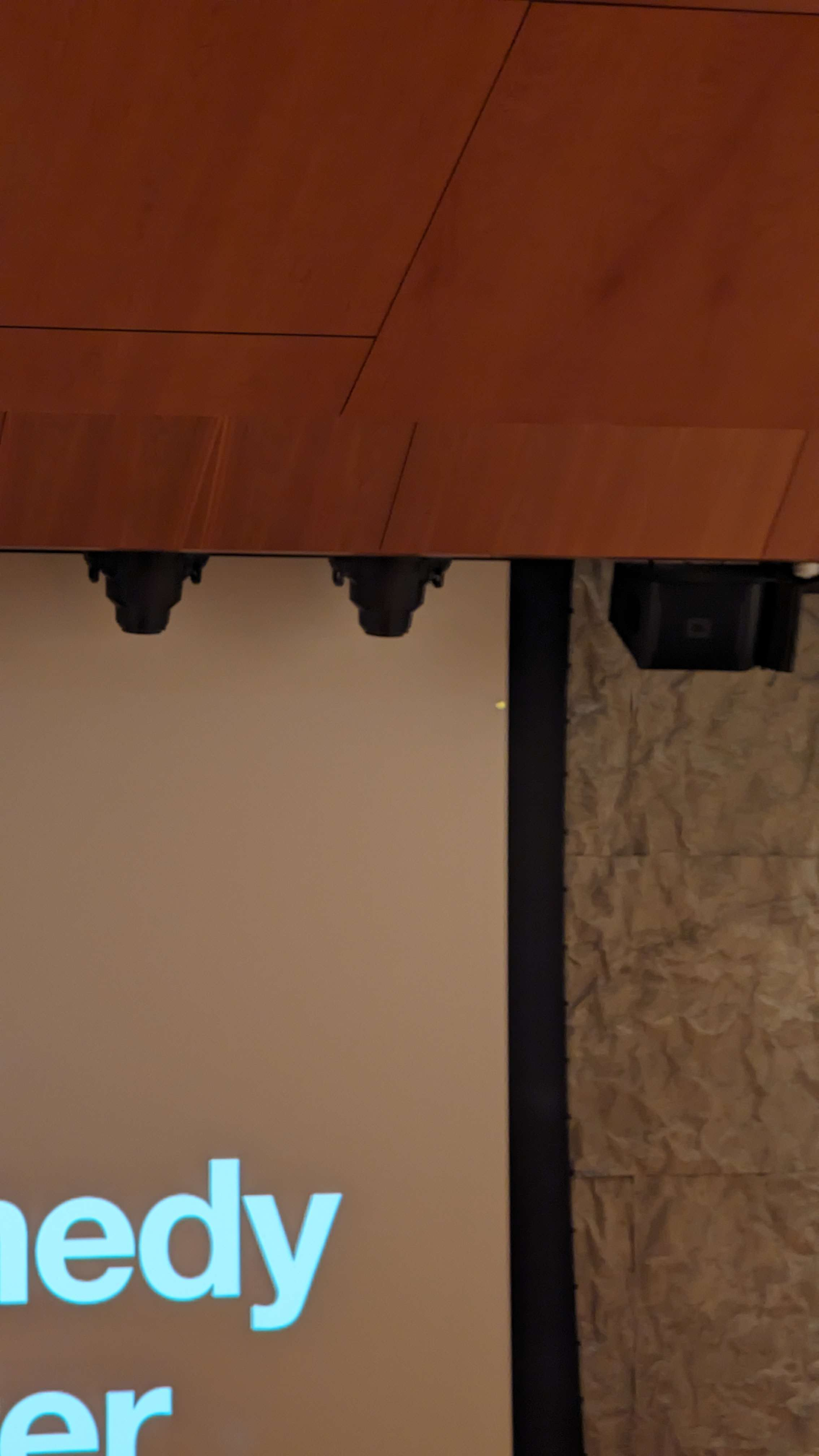
Do you want to prevent this from happening again?
- Start up from macOS Recovery.
- Intel: CMD + R after boot
- Apple Silicon: Press and hold power for 10 seconds
- From the Utilities menu in the menu bar in macOS Recovery, choose Terminal.
- Enter this command:
system-override suppress-sw-camera-indication-on-external-displays=on - Quit Terminal.
- From the Apple menu, choose Restart, then log in to your user account.
- From the Apple menu, choose System Settings, then click Privacy & Security in the sidebar.
- Click Microphone. Or click Camera.
- Turn off Privacy Indicators.
Originally from this Discord message: https://discord.com/channels/494428283094564864/697864548652154930/1494235397927075840
https://support.apple.com/en-us/118449